Automatic subtitles
An MP4 with visible captions, or a separate SRT file containing the text and its timing.
How it works ↗ AICutter
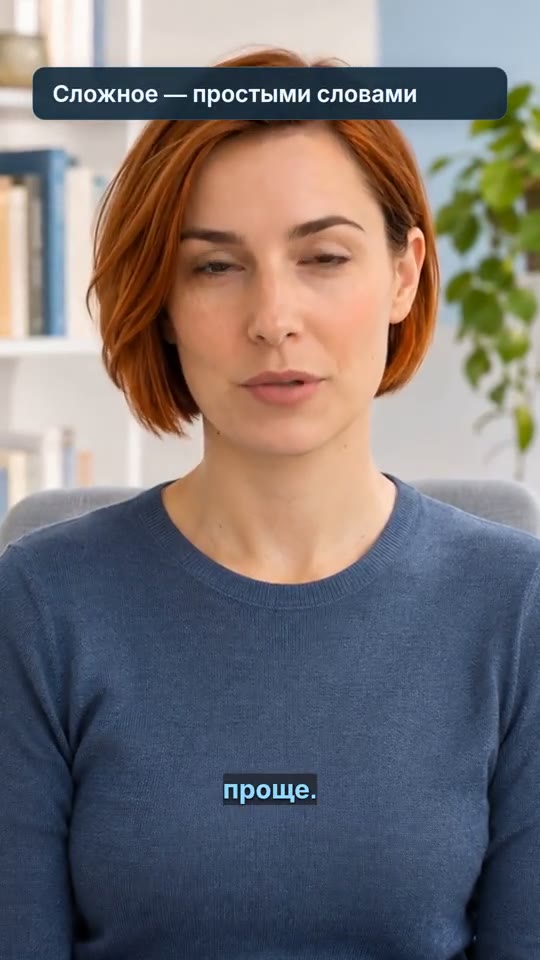
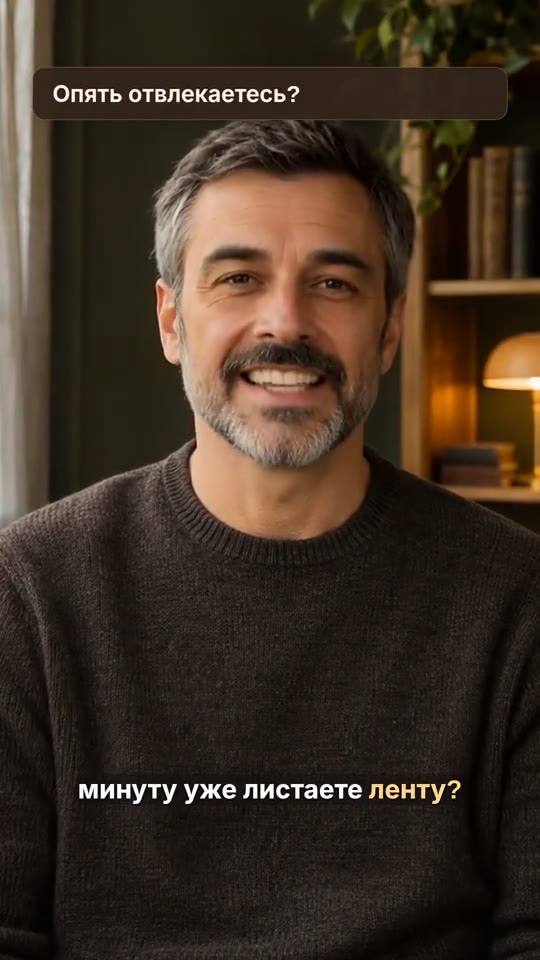
Turn a portrait and text into a video with a virtual presenter. NeuroActor reads your lines and synchronizes lip movement with speech. The finished video opens in AICutter for further styling.
An account is required. You can prepare the voice first; the video price appears before paid generation starts.
 Anna
 Roman
A talking character and an editable project with captions. Turn suitable key points into cards, choose a style, add music and export a finished MP4.
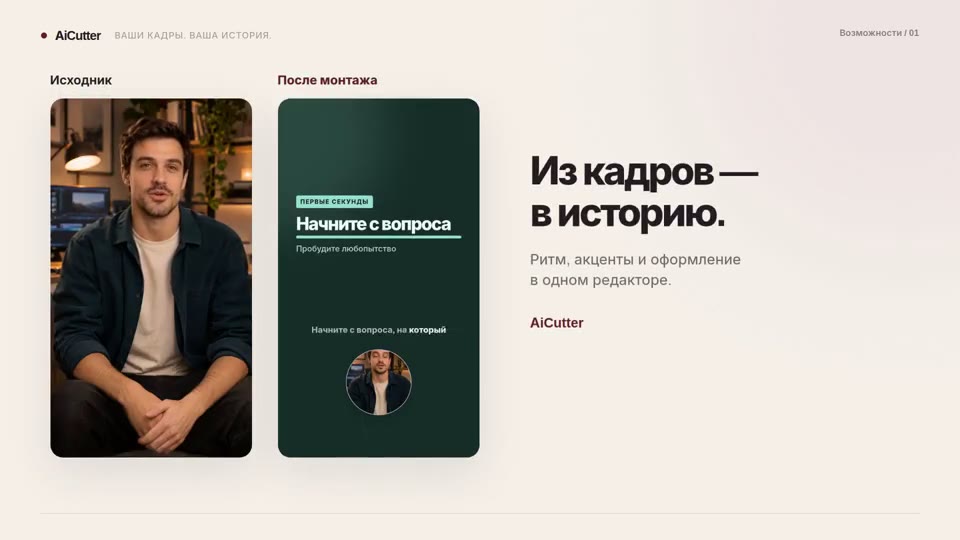
Watch a prepared example: a talking character and the same video styled in AICutter. Captions and cards help highlight the message.
Prepared demo videos with Russian speech. Your result depends on the portrait, script and chosen styling.
Choose Anna or Roman, or upload your own clear, front-facing portrait: JPG, PNG or WebP, up to 8 MB and 25 megapixels. Use your own image or obtain the person’s permission.
Write your own lines or describe an idea to AI. Review the script: 10–650 characters. Choose a voice and create the recording for 5 tokens. Check pronunciation and pacing; the recording must be 2–60 seconds long.
Choose 720p or 1080p. After the voice track is ready, the price appears in tokens before you start. Top up your AI balance if needed. Generation starts only when you press the button.
Open the finished project and review the face, speech and captions. Choose a card style, add music if needed and export an MP4. Change the styling without generating the avatar again.
Use NeuroActor for a short explanation, product introduction, FAQ answer or message to your audience. You provide the exact text and the character speaks it to camera. This creates a talking presenter from a portrait, rather than arbitrary story scenes from a prompt.
Choose a photo of one person with an unobstructed face and even lighting. A covered face, dark glasses, a strong head turn or a busy background may reduce quality. Focus your text on one idea: a short introduction, an example and a conclusion. Listen to difficult names, numbers and abbreviations before creating the video.
Payment comes from a separate AI account: 1 ruble = 1 token, with a minimum top-up of 100 rubles. One voice recording costs 5 tokens; replaying it is free. Video is billed separately by duration and quality, with the price shown before creation. Subscription editing credits are not used.
The result appears in your projects and opens in a vertical 9:16 editing document. Recognized speech becomes captions; suitable key points receive semantic cards. Change the styling and export again. Making the character say different words requires a new project and generation.
NeuroActor does not clone your voice or guarantee perfect facial movement. Review the video before publishing. Projects, portraits and results are stored for up to 14 days from project creation; each account has 3 GB of storage. Download the files you need in time.
No. Choose a fictional preset character or use a portrait you have permission to use. The voice is generated from your text; uploading your own voice is not supported in this mode.
You can prepare the script with the AI assistant. Voice creation costs 5 tokens; replaying the recording is free. Video is billed separately from the AI account, with the exact price shown before creation.
If the task fails or is canceled, reserved tokens are returned. After a connection loss, Continue checks the same task; checking again does not submit another paid generation.
Once ready, open the project in the editor. Check the text, choose effects in the right panel and export the video. Cards highlight supported points in the speech; they do not add new facts.
You need the rights to the portrait, text and other materials used in advertising. Do not present synthetic speech as a person’s real statement. Check the platform’s requirements and applicable advertising rules.
An account is required. You can prepare the voice first; the video price appears before paid generation starts.
An MP4 with visible captions, or a separate SRT file containing the text and its timing.
How it works ↗A voice track generated from your text, ready to preview and place in your video project.
How it works ↗A clear proposal for changes to an existing clip, or a script for a new video. Applied changes are saved in the project, and you can undo the last action.
How it works ↗ AiCutter
Opening AICutter
Your footage. Your rhythm. Your story.