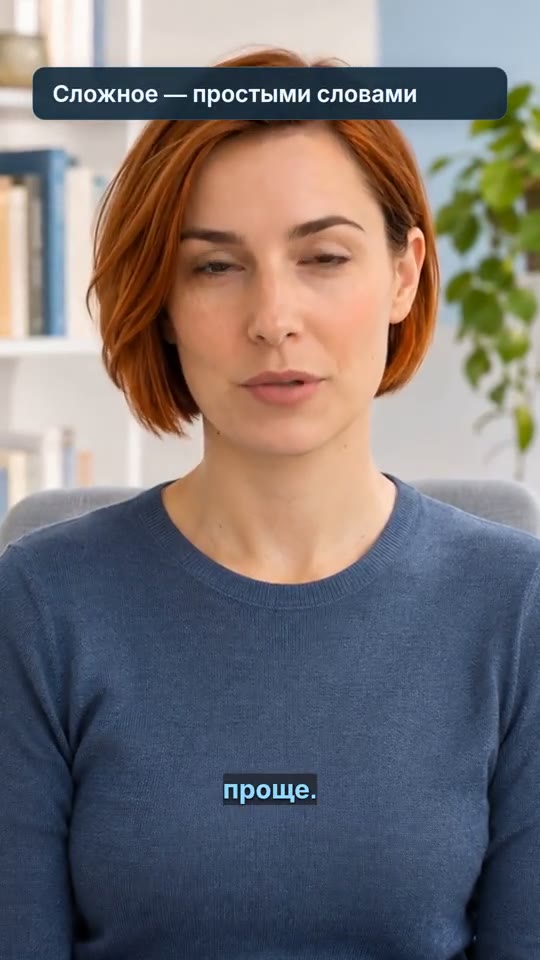
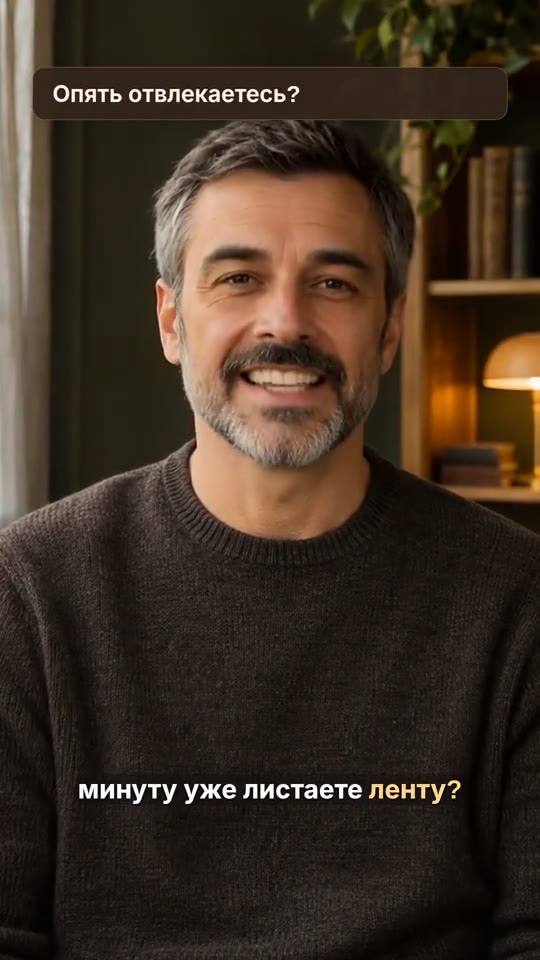
Text on video
A video with your text overlays positioned and timed to the right scenes.
How it works ↗ AICutter
Put music behind your narration or make it the main soundtrack. Adjust the start time and volume so viewers can hear what matters.
You will need an account and your video. Processing will begin only after confirmation in the project wizard.
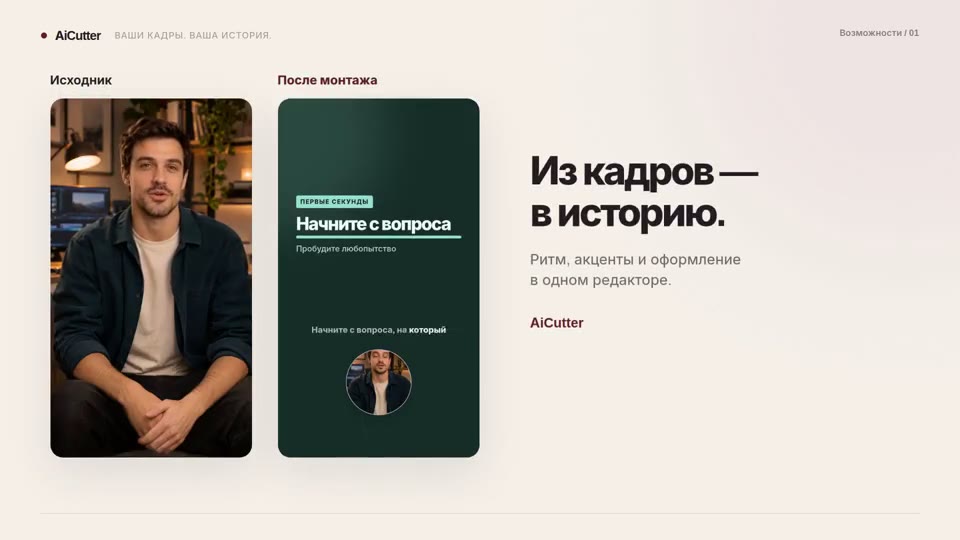
A finished MP4 with your music and your chosen balance of original audio.
To save the entire source footage, select manual editing. If you are assembling a video with AI, specify in advance the desired behavior of the source sound.
Upload your audio file or select the available embedded music. The manual editor also has a separate music generation tool.
Specify the start of the track and the volume. If there is speech in the video, listen to quiet words — the music should not overlap them.
Listen to the entire video and save MP4 it. The available settings depend on the selected editor.
A voice with music is suitable for explanations; music instead of the original sound is for visual demonstration. Choose the sound policy explicitly so as not to lose the necessary cues.
Uploading audio does not require creating new music. Generation is started separately by the user; opening a page or project does not start it.
The scene editor accepts music files up to 30 MB. Check the track’s usage terms with its source. AICutter does not guarantee copyright clearance or automatic beat matching for every cut.
Yes. Save the original sound and lower the volume of the background music. Listen to the final export, not just a single track.
By default, the original sound is saved without an unexpected background music. Select the music explicitly in the project settings or in the editor.
You will need an account and your video. Processing will begin only after confirmation in the project wizard.
A video with your text overlays positioned and timed to the right scenes.
How it works ↗One editable video combining several source files in a shared aspect ratio.
How it works ↗A voice track generated from your text, ready to preview and place in your video project.
How it works ↗ AiCutter
Opening AICutter
Your footage. Your rhythm. Your story.