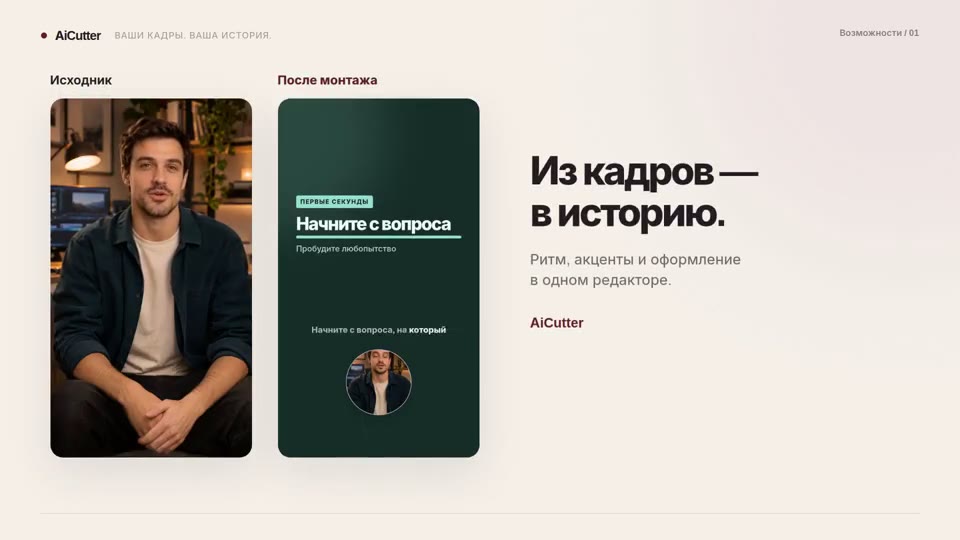
AI clip maker
Standalone clips you can review, edit and export individually.
How it works ↗ AICutter
Select a specific task. Each has its own operating procedure, settings, and restrictions.
Standalone clips you can review, edit and export individually.
How it works ↗An MP4 with visible captions, or a separate SRT file containing the text and its timing.
How it works ↗A video with your text overlays positioned and timed to the right scenes.
How it works ↗A video in 9:16, 1:1 or 16:9, with the subject and text framed as you intended.
How it works ↗One editable video combining several source files in a shared aspect ratio.
How it works ↗A tighter recording with every cut available for review and adjustment.
How it works ↗A voice track generated from your text, ready to preview and place in your video project.
How it works ↗A finished MP4 with your music and your chosen balance of original audio.
How it works ↗A separate MP4 of the selected section, with your original project preserved.
How it works ↗AI editing collects the video according to the meaning from your sources. The manual editor allows you to select the scenes and the design yourself. Merging saves entire recordings, while clearing reduces long pauses.
View the AI editing and examples · Effects librarySubtitles can be a separate timed text file or captions visible in the video itself. Choose the output you need before exporting.
Read the instructions ↗Previewing one scene is not the same as watching the whole video. Review these points after editing, then check the exported file.
Read the instructions ↗ AiCutter
Opening AICutter
Your footage. Your rhythm. Your story.