AI clip maker
Standalone clips you can review, edit and export individually.
How it works ↗ AICutter
Keep the interval you want: remove the setup before a take, cut an unwanted ending or extract a short explanation.
You will need an account and your video. Processing will begin only after confirmation in the project wizard.
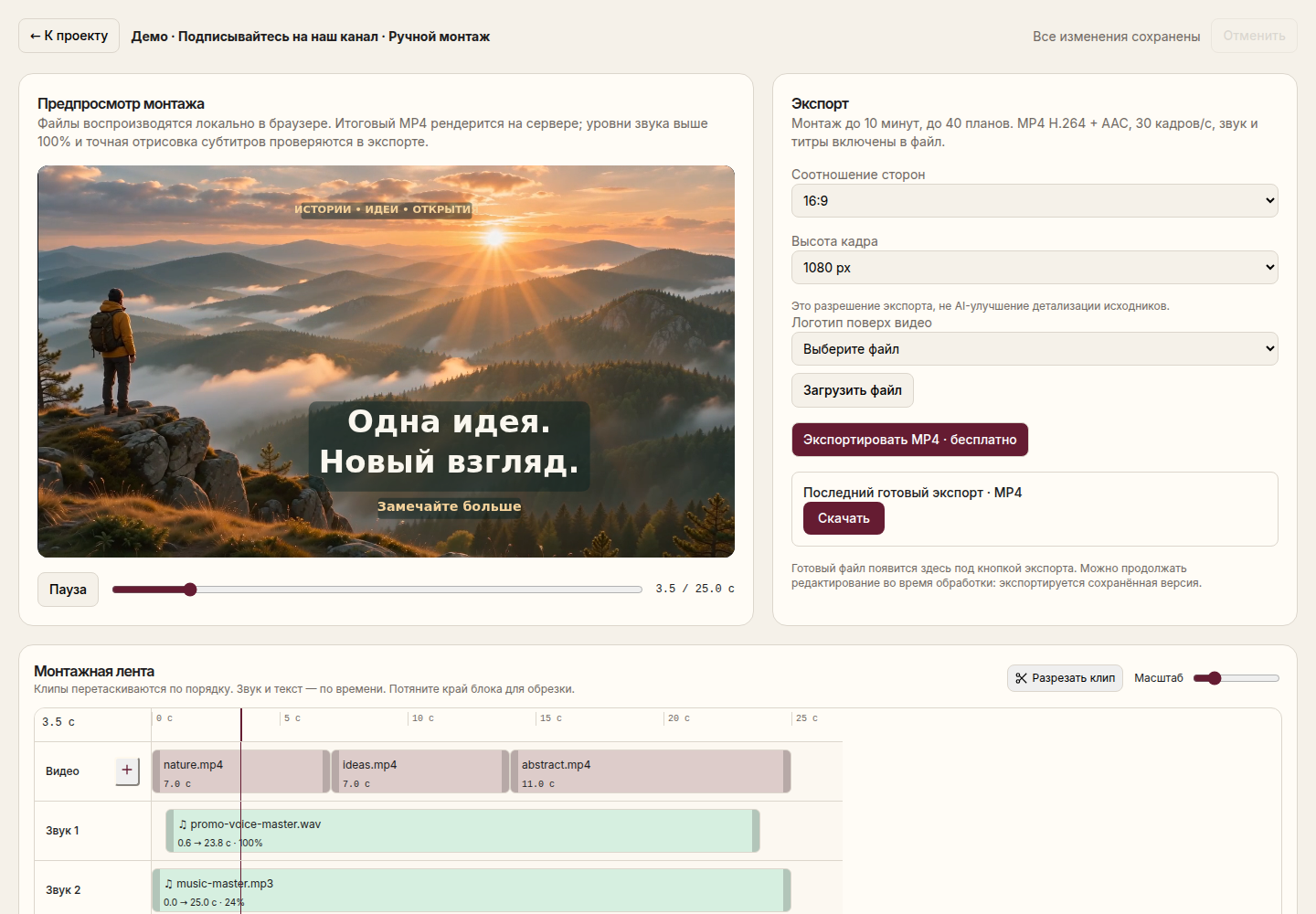
A separate MP4 of the selected section, with your original project preserved.
Select manual editing to start with the full recording and determine the desired interval yourself.
Specify the beginning and end of the fragment in the editor. Leave a small margin before the first sound of the word and after the last.
Listen to the beginning and the end at normal speed. Make sure that the word is not cut off, and the final thought is finished.
Save the finished MP4 one. For another excerpt, use the project; the source file remains available.
This method is suitable when you already know what interval is needed. If you first need to find independent scenes in the recording, use clip search.
Removing the first seconds does not change the aspect ratio. To remove the side areas of the frame or get 9:16, go to format and crop.
Video files are uploaded, not links to video hosting sites. The export can transcode the video; bitwise cropping without loss of quality is not promised. You need an account to work.
Yes, use scenes and intervals in the editor, then check their sequence. There is a separate clip search mode for several independent stories.
No. The editing of the project is changed, and the export creates a separate file. The original video is not replaced by the result.
You will need an account and your video. Processing will begin only after confirmation in the project wizard.
Standalone clips you can review, edit and export individually.
How it works ↗A video in 9:16, 1:1 or 16:9, with the subject and text framed as you intended.
How it works ↗A tighter recording with every cut available for review and adjustment.
How it works ↗ AiCutter
Opening AICutter
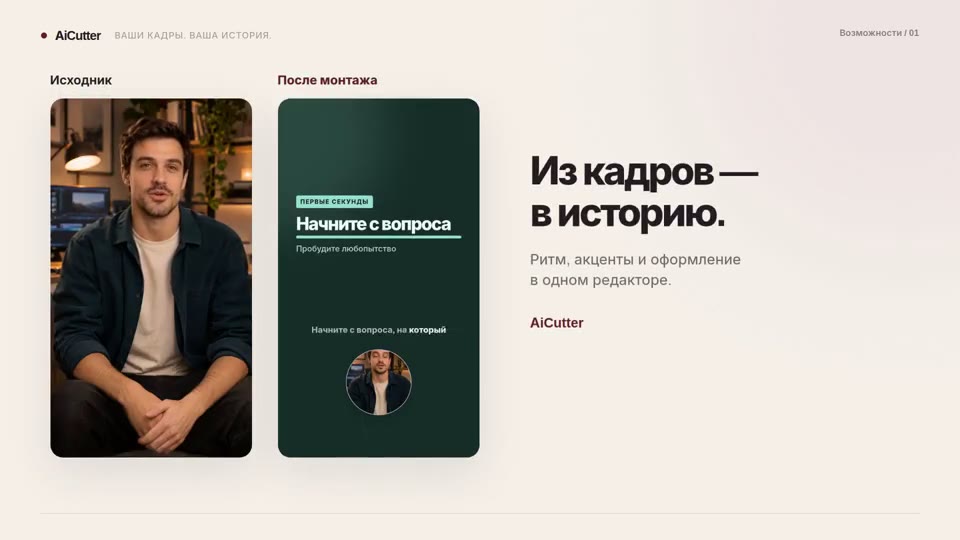
Your footage. Your rhythm. Your story.