AI clip maker
Standalone clips you can review, edit and export individually.
How it works ↗ AICutter
Switch your footage to 9:16 and choose what stays in view. For screen recordings, you can keep the whole image with letterboxing.
You will need an account and your video. Processing will begin only after confirmation in the project wizard.
A video in 9:16, 1:1 or 16:9, with the subject and text framed as you intended.
For a vertical video, set 9:16 in the project or clip settings. The original recording may have a different aspect ratio.
In fill mode, part of the wide image will be cropped. Adjust the frame position; if the entire screen is important, select save as a whole with margins.
The object can move. Look at the beginning, middle, and end of each scene, then check if the captions have been cut off.
Select an available resolution. For vertical Full HD, this is 1080x1920; check the file on your phone before publishing.
The format defines the width and height of the image. If you need to remove the seconds at the beginning or end, use the video trimming tool.
A narrow frame can hide part of the presentation or the interlocutor. Saving the original frame with margins is often more useful than trying to fill the entire vertical canvas.
There is no promise of continuous monitoring of an active speaker. Basic mode auto-framing and manual positioning require viewing the result. Increasing the resolution does not restore the lost source details.
Yes, by cropping or placing the full image with margins. The choice depends on which details need to be saved.
Yes. Change the aspect ratio in the project and re-check the position of the text and frame before exporting.
You will need an account and your video. Processing will begin only after confirmation in the project wizard.
Standalone clips you can review, edit and export individually.
How it works ↗An MP4 with visible captions, or a separate SRT file containing the text and its timing.
How it works ↗A separate MP4 of the selected section, with your original project preserved.
How it works ↗ AiCutter
Opening AICutter
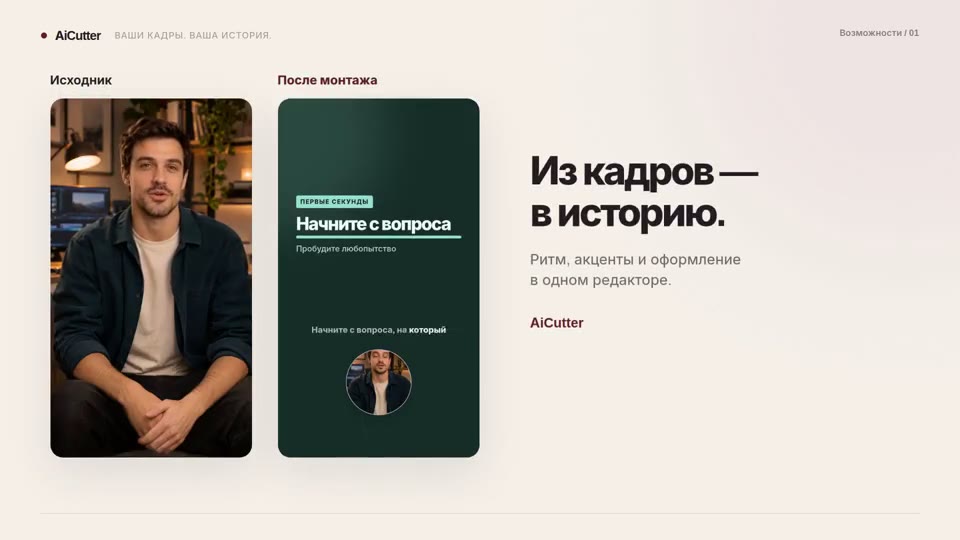
Your footage. Your rhythm. Your story.