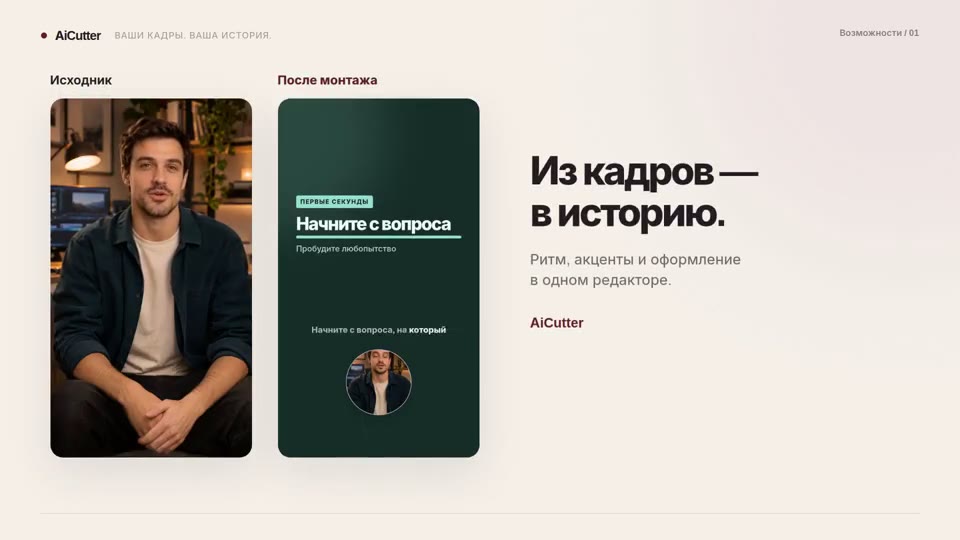
Aspect ratio and framing
A video in 9:16, 1:1 or 16:9, with the subject and text framed as you intended.
How it works ↗ AICutter
Join recordings in the order you choose: several takes, steps in a process or parts of a story. Merge mode keeps the full footage; you decide the sequence.
You will need an account and your video. Processing will begin only after confirmation in the project wizard.
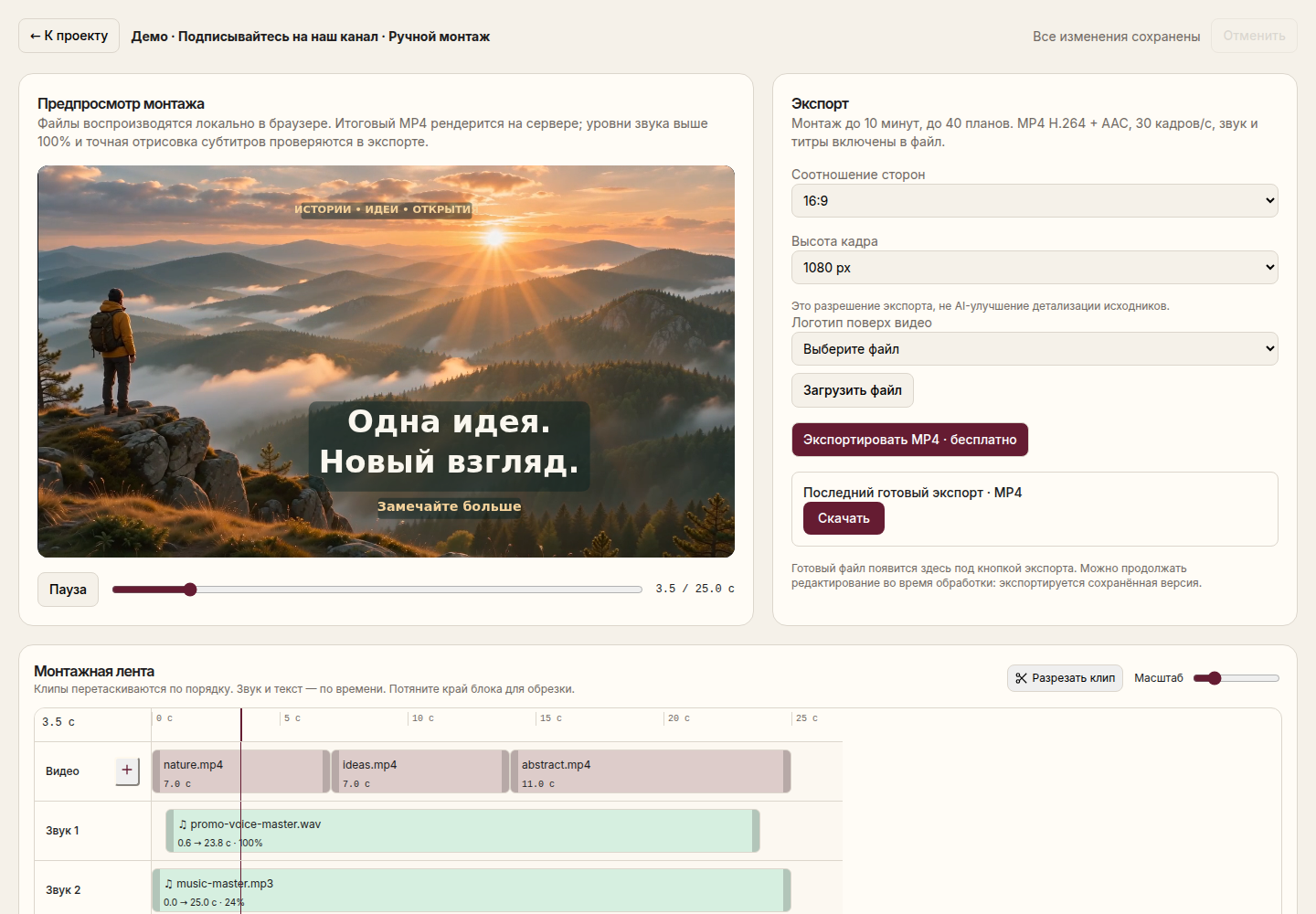
One editable video combining several source files in a shared aspect ratio.
Add from 1 to 20 videos to the project wizard. The total duration of the source footage is up to 15 minutes.
Before uploading, move the files in the desired order. Select "Other modes" → "Merge as a whole".
After preparation, review the joints, orientation, and volume. If necessary, open the editor and adjust the scenes.
Export your edit as an MP4. The finished file is separate from your original recordings.
Combining links the entire materials. If you need to select good moments and shorten the shooting by task, choose AI editing.
Videos are normalized to fit the overall canvas and build parameters. Check the result when mixing vertical shots, wide shots, and recordings without sound.
The 15-minute limit applies to all source videos combined, not each file. Export may re-encode the footage, so bit-for-bit lossless joining is not guaranteed. This tool works with video files rather than photo slideshows.
The "Merge as a whole" mode preserves the complete sequence of sources footage. Abbreviations can be done manually later.
Yes. After the build, add a track and check the balance with the original sound.
You will need an account and your video. Processing will begin only after confirmation in the project wizard.
A video in 9:16, 1:1 or 16:9, with the subject and text framed as you intended.
How it works ↗A finished MP4 with your music and your chosen balance of original audio.
How it works ↗A separate MP4 of the selected section, with your original project preserved.
How it works ↗ AiCutter
Opening AICutter
Your footage. Your rhythm. Your story.