AI clip maker
Standalone clips you can review, edit and export individually.
How it works ↗ AICutter
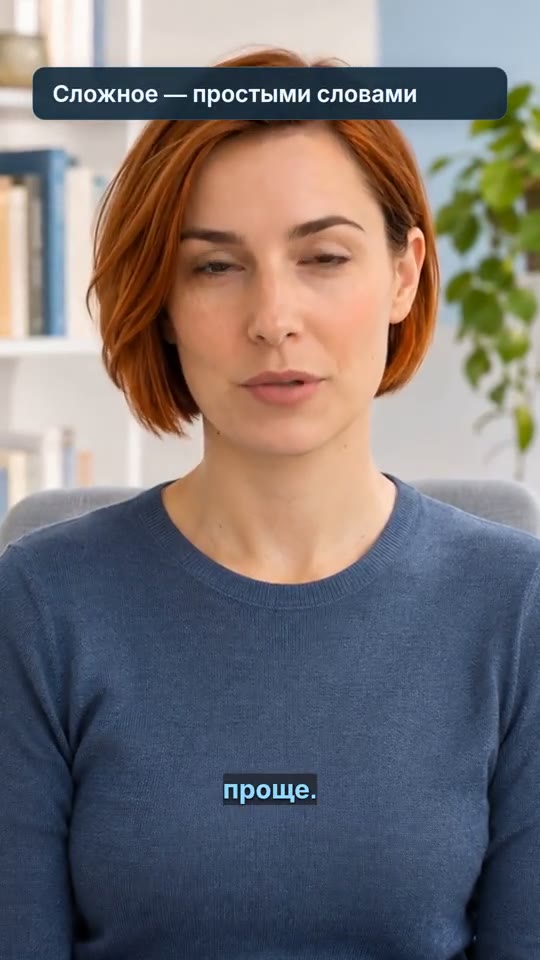
Put speech on screen: generate a timed transcript, correct recognition errors and choose how captions appear in your video.
You will need an account and your video. Processing will begin only after confirmation in the project wizard.
An MP4 with visible captions, or a separate SRT file containing the text and its timing.
Open the recording in manual mode to save the entire material. Select the Russian language of speech and wait for the source footage to be prepared.
Check the names, terms, numbers and endings with the record. If necessary, import your SRT own: import timecodes refer to the original video.
Turn on the subtitles, select the size and position. In the scene editor, the catalog offers a classic look and five additional designs; independent text layers in the manual editor have their own settings.
View quick replicas and glues. Export the video with captions or download SRT it separately.
Automatic subtitles follow spoken words. The title, price, or call to action is a separate text layer that you add manually.
The file SRT contains text and time intervals. The color, font, word highlighting and flashcards are saved in the finished video, not in this text file.
The recognition quality depends on diction, background sound, and voice overlay. This is not the translation of speech into other languages or the extraction of already embedded text from an image.
Yes, you can choose the Russian language when preparing the recording. Check the recognized words before publishing.
Yes, the editor and ready-made exports are provided SRT. After remounting, use the file corresponding to the final version.
Open the effects catalog in the scene editor. The preview shows the design; check the readability on your video.
You will need an account and your video. Processing will begin only after confirmation in the project wizard.
Standalone clips you can review, edit and export individually.
How it works ↗A video with your text overlays positioned and timed to the right scenes.
How it works ↗A video in 9:16, 1:1 or 16:9, with the subject and text framed as you intended.
How it works ↗ AiCutter
Opening AICutter
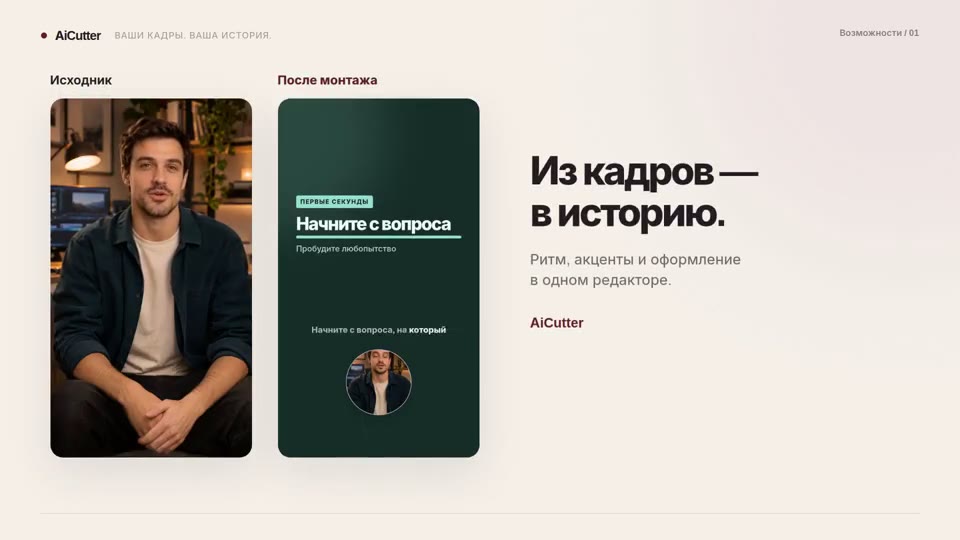
Your footage. Your rhythm. Your story.