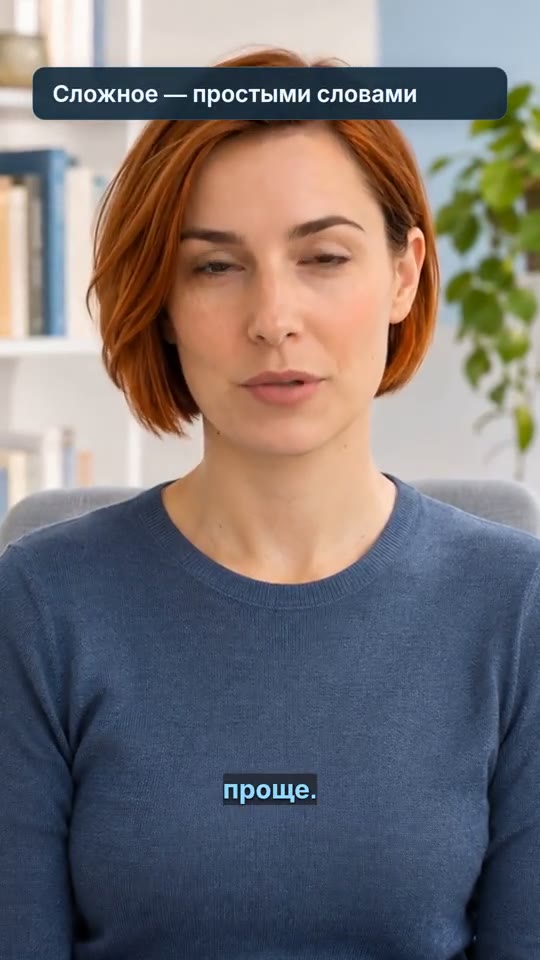
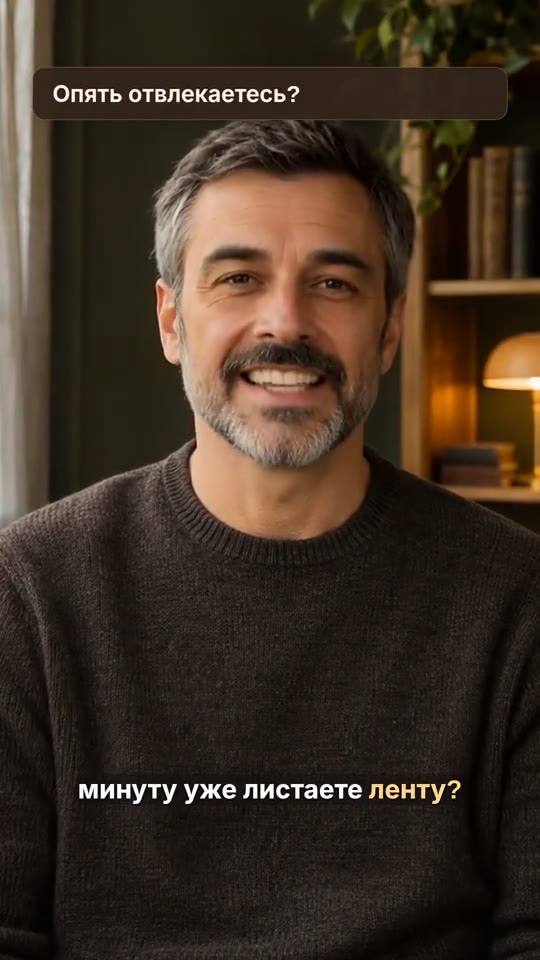
Text on video
A video with your text overlays positioned and timed to the right scenes.
How it works ↗ AICutter
Write your lines, choose a voice and generate an audio track. Then align the voiceover with your footage in the manual editor.
You will need an account and your video. Processing will begin only after confirmation in the project wizard.
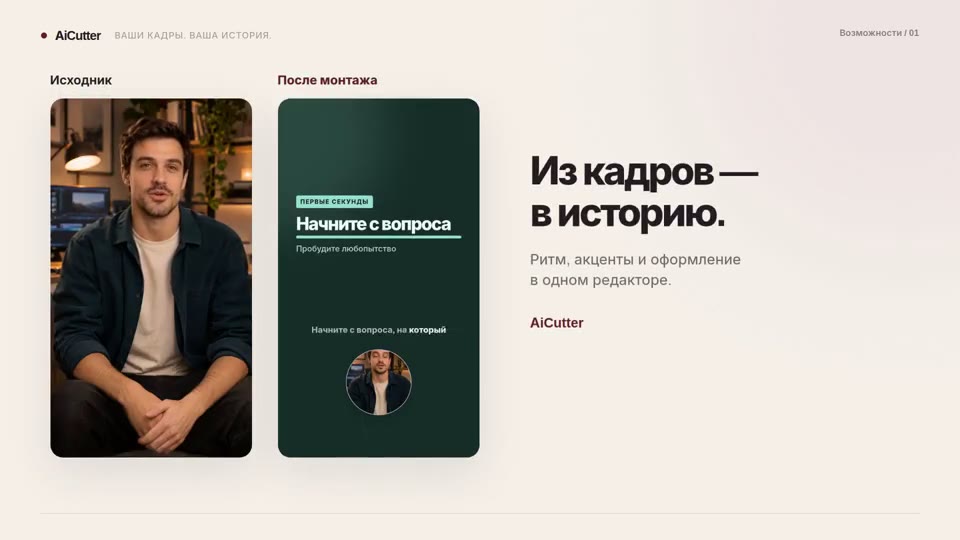
A voice track generated from your text, ready to preview and place in your video project.
Write the lines and check the names, numbers, and accents. The voiceover reads the set content; you prepare the script at this stage.
Select a voice in the manual editor. To talk, use the available dialog mode with the distribution of replicas.
Check pronunciation and pauses. If necessary, correct the text and explicitly start a new generation.
Add audio to the timeline, match it with the frames, and adjust the volume relative to the music.
Short sentences are easier to sync with videos. If the voiceover is longer than the scene, shorten the text or change the editing — automatic adjustment of all frames to the speaker is not promised.
Even familiar words can be mispronounced. Listen to the summary in full, especially the names, abbreviations, and numbers before exporting the video.
This is an existing speech synthesis in a video editor. Voice cloning, generation of talking avatars and AI-script writing are not included in this function. The availability of generation depends on the settings of the service and the provider.
The manual editor has a dialog voiceover mode: set the lines and distribute the voices, then check the result.
Yes. The script workshop is currently helping to prepare the text according to the editorial structure; the automatic script generator is not yet enabled.
You will need an account and your video. Processing will begin only after confirmation in the project wizard.
A video with your text overlays positioned and timed to the right scenes.
How it works ↗A finished MP4 with your music and your chosen balance of original audio.
How it works ↗A separate MP4 of the selected section, with your original project preserved.
How it works ↗ AiCutter
Opening AICutter
Your footage. Your rhythm. Your story.