Automatic subtitles
An MP4 with visible captions, or a separate SRT file containing the text and its timing.
How it works ↗ AICutter
A product name, an important number or a brief takeaway: place your own text over the video and choose when viewers see it.
You will need an account and your video. Processing will begin only after confirmation in the project wizard.
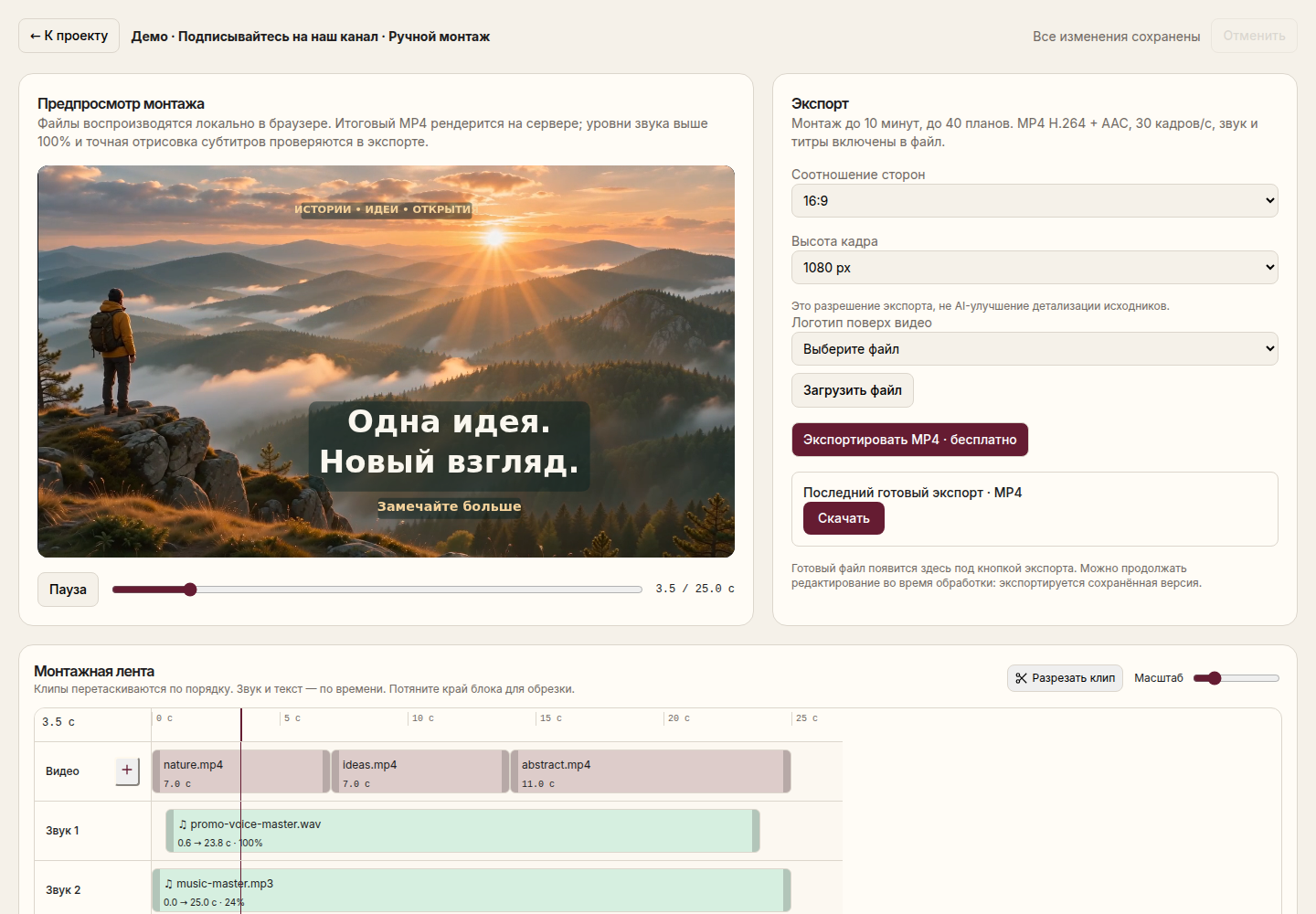
A video with your text overlays positioned and timed to the right scenes.
Download the source footage without automatic reduction. Add a text layer in the editor.
Divide a long sentence into several labels. Specify the start and duration of the display on the timeline.
Choose the size, color, and position. Make sure that the label does not cover your face, hands, or an important interface element.
Check the reading time at normal speed and save MP4 it with the styling.
You can also add text to a video without a voice. For verbatim recording of what has been said, use automatic captions — they solve a different problem.
Long inscriptions on short scenes are difficult to perceive. Remove the secondary words, increase the duration, or divide the thought into two scenes.
The label is placed on top of the image. The text effect behind the person and the automatic separation of the figure from the background are not yet offered. The scene effects catalog is not automatically applied to an independent text layer.
Yes. This is a separate visual layer that does not require speech in the original video.
Go back to the saved project, change the layer and perform a new export. In the finished MP4 version, the inscription is already part of the image.
You will need an account and your video. Processing will begin only after confirmation in the project wizard.
An MP4 with visible captions, or a separate SRT file containing the text and its timing.
How it works ↗A finished MP4 with your music and your chosen balance of original audio.
How it works ↗A separate MP4 of the selected section, with your original project preserved.
How it works ↗ AiCutter
Opening AICutter
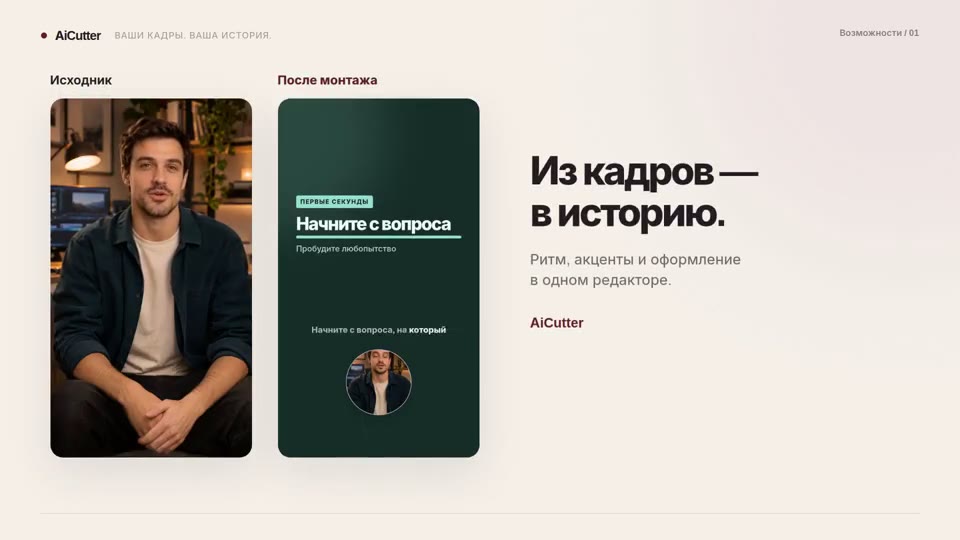
Your footage. Your rhythm. Your story.