Choose an aspect ratio without losing what matters
Aspect ratio describes the shape of your frame, resolution describes its pixel dimensions, and MP4 is a file container. These are separate settings.
Read the instructions ↗ AICutter
A useful brief explains what viewers should understand and which parts of your footage support it. It cannot replace missing footage or guarantee a perfect first edit.
Make sure that the right thought is actually spoken or shown. If the instructions do not contain the first mandatory step, video editing should not give the impression that the action can be performed without it. For several files, set a clear order and briefly explain their purpose.
Instead of "make a beautiful video", specify: "Explain how to choose a microphone for recording at home. Keep a comparison of the two options and the final advice." This formulation sets the theme and boundaries, not just the mood.
For the lesson, mark the conditions and preparation: "Show the upload of the file, the selection of settings and the verification of the result. Don't skip attaching the original image." For the interview: "Save the question or a clear introductory so that the answer does not start with a pronoun without context."
Specify the desired length, but remember: a video that is too short may not contain an explanation. If the screen is important, do not require to fill the vertical canvas at any cost. First save the content, then select the design.
For a spoken video, select save speech. To capture the process, you can explicitly select music instead of background sound. Specify this in the project settings and do not expect that the phrase "dynamic" will clearly explain what to do with the voice.
"Assemble the stages of product processing: preparation, main operation, finished result. Don't use an outside conversation as a plot. Leave enough time to see the details change." This is an example of a task, not a finished result created by the system.
View the result in full. Check the order of cause and effect, negations, numbers and required steps. If you are not satisfied with the result, correct the scenes manually or specify the task before a new AI edit RUN; a re-launch may consume the balance according to the tariff.
Prepared by the editorial AICutter staff on the current features of the service. Updated November 12, 2026.
You will need an account and your video. Processing will begin only after confirmation in the project wizard.
Aspect ratio describes the shape of your frame, resolution describes its pixel dimensions, and MP4 is a file container. These are separate settings.
Read the instructions ↗Previewing one scene is not the same as watching the whole video. Review these points after editing, then check the exported file.
Read the instructions ↗ AiCutter
Opening AICutter
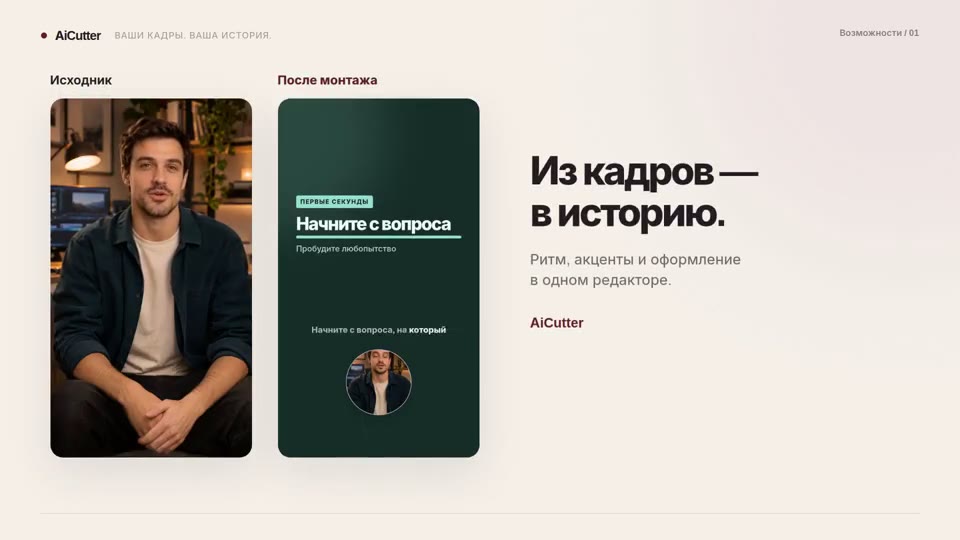
Your footage. Your rhythm. Your story.