Images, videos, music, and texts. A place for what you want to create.
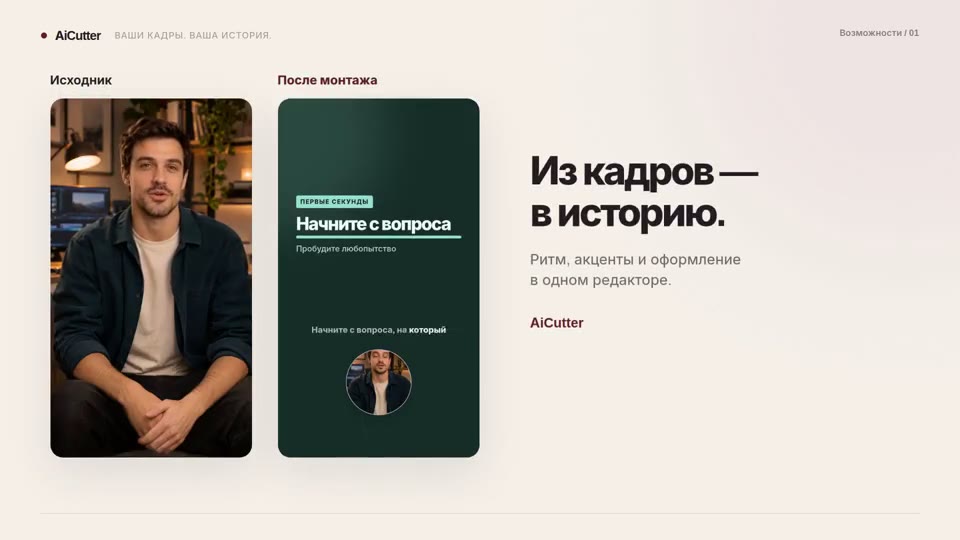
AICutter collects history from your frames. And AITale you can come up with new ones: from the first visual image to the music and the script of the future video.
AITale / visual referencesGet started from the imagination.
YOUR CREATIVE SET
What can be created with neural networks AITale
Choose a tool for your task. Current models, features, and conditions are available on site AITale.
01 / IMAGES
Photos. With your look.
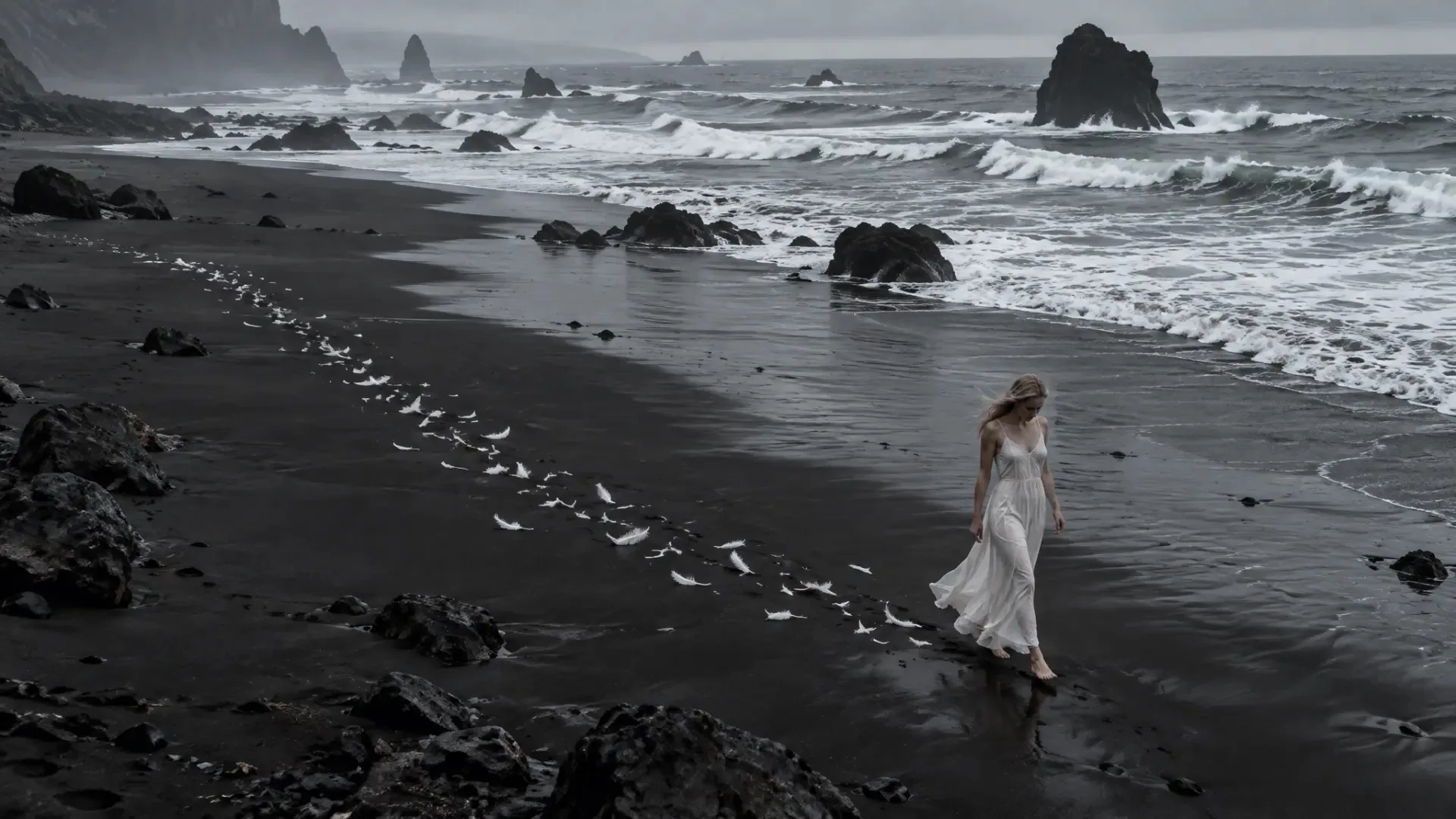
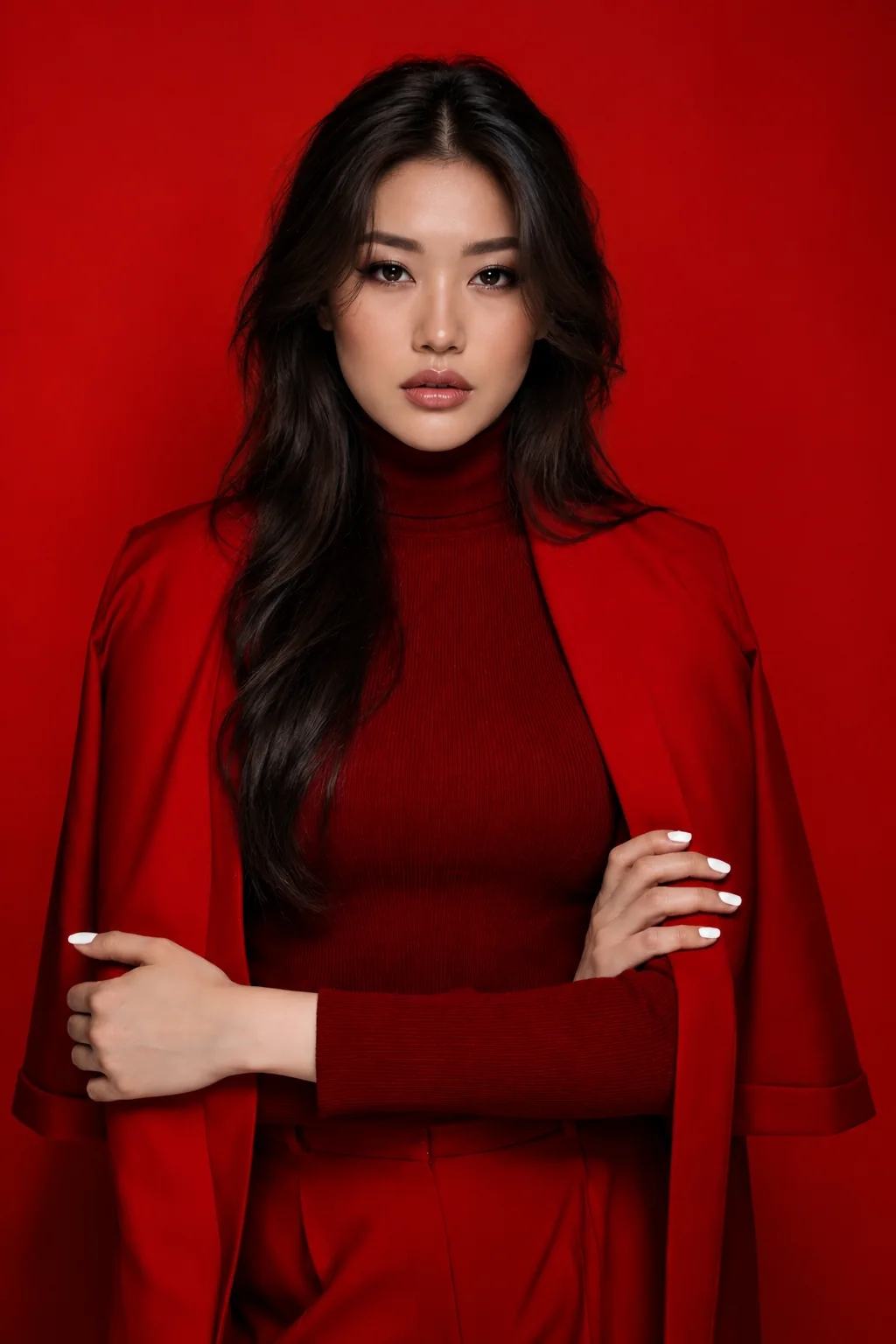
Create images based on the description or work with your photos: change the environment, light and details, try portraits, illustrations and subject frames. There AITale are image generation and editing tools, including Nano Banana and GPT Image.
Describe a scene for AI video generation or animate a photo. Specify the action, camera movement and mood. Use the result as a starting point for your story, an insert in your video or footage for further editing.
Create songs with vocals and instrumental music in Suno. Set the genre, mood and idea of the composition. You can add the downloaded track to AICutter as your own track, select its beginning and volume for video editing.
Discuss the idea with the AI, put together a video plan, find the exact wording for the introduction, or prepare the text of the publication. AI chat helps you work with words at different stages: from the draft idea to the final signature.
Whether you are making a branded Reel, showing your work or telling a personal story, start with what you have. Edit your existing footage in AICutter. If you need an idea, extra scenes or music first, explore the tools in AITale.
You can start with a simple description: what image is needed, what action is taking place in the frame and what mood you want to convey. Next— try the options and choose those that are right for your project. There AITale is a library of promptov and visual examples, from which it is convenient to push off.
The projects complement each other: in AITale you create materials with neural networks, and in AICutter you are working on video editing of the uploaded video. You choose which files to transfer and how to use them in your history.
BEFORE THE FIRST STEP
About projects and work with materials
What is AITale it?+
AITale — a space for creating images, videos, music, and working with texts using neural networks. The features of the service are available on aitale.app; the site also has links to bots in Telegram and Max.
How to use materials from AITale AICutter?+
Download the created video or music track from AITale, then upload the file to your AICutter project. Here you can assemble a video editing, add your track, correct scenes and export the finished video.
Do the projects have a common account and balance?+
AITale AICutter and I have separate accounts and rates. To work in AITale, log in or register at aitale.app. You transfer materials between services yourself.

 AiCutter