From your recordings to the finished video
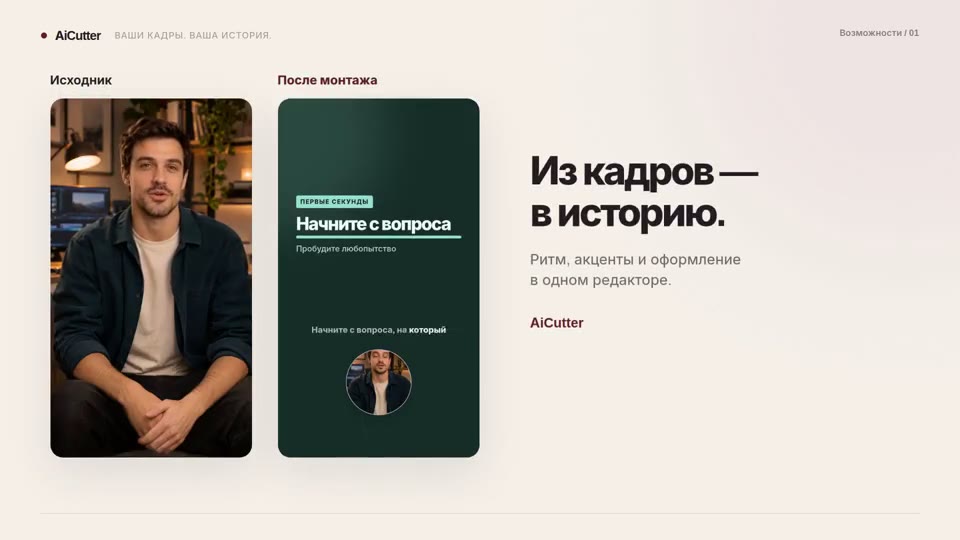
AICutter it helps to mount an already shot video: select scenes from AI, adjust them manually, arrange captions and sound, save MP4.
How the job works
Download the source footage, select the mode and task, and wait for the preparation. Review the result, correct the content and design, and then export the video. The source materials and finished files are stored separately in the project.
What does AI do
AI helps you select fragments based on the content of a speech or video sequence. The result requires review: the automatic editing may be mistaken in context, sequence and design. A manual editor allows you to refine the result.
Limits of current capabilities
Up to 20 videos totaling up to 15 minutes per project, export MP4 up to 1080p. There are no promises of universal quality, guaranteed views or fixed processing time. Talking avatars and a script generator are not features AICutter right now.
Examples on the website
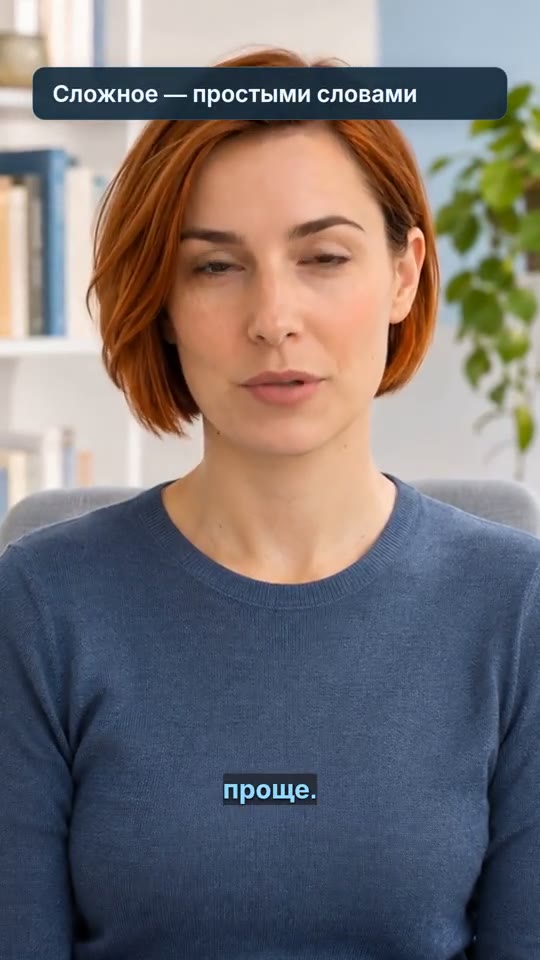
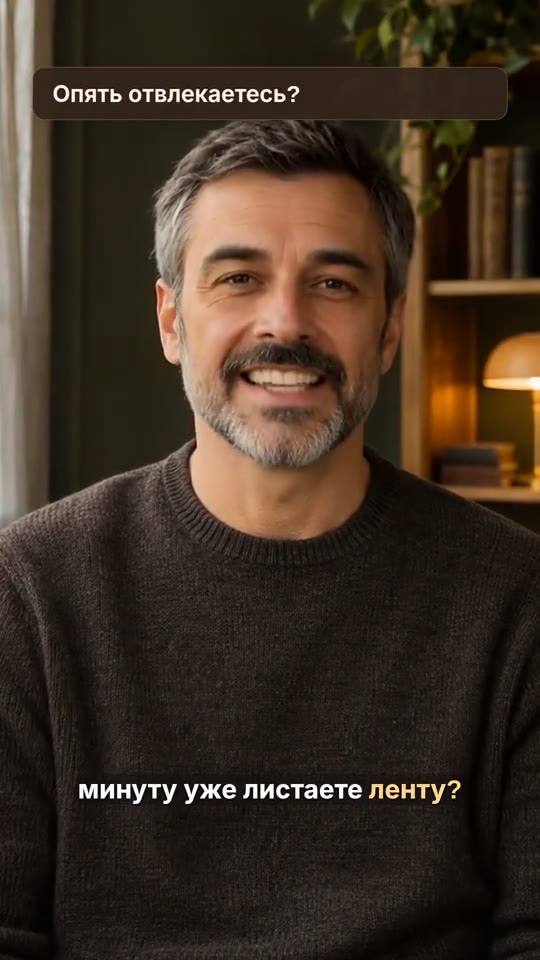
Demo videos show the author's design in the editor. The lead and source speech parts of the examples are prepared by external tools. They are not proof of the offline editing of any user-generated material.
Payment and support
One-time launch packages are provided for AI editing. The conditions, the package contents, and the current purchase option are listed on the pricing page. The operator's details and support address are published in contacts and legal documents.
Tools · Pricing · Contacts · Offer · Confidentiality
 AiCutter