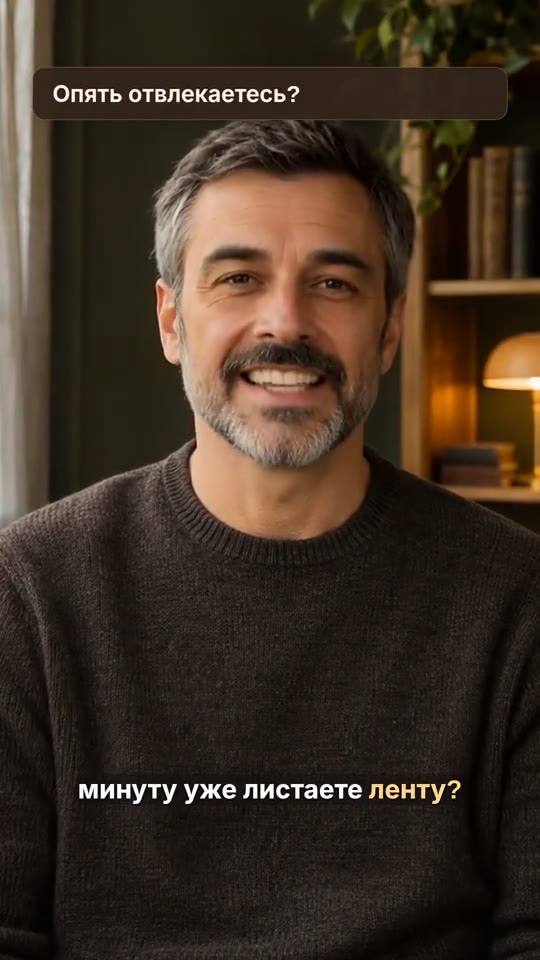
Talking on camera
Expert advice, feedback, answer to a question.
Choose AI editing and describe the key point to keep. Set your target length and the 9:16 aspect ratio.
The result
A short video with selected fragments and subtitles.
 AICutter
Turn a conversation, a lesson or product footage into a video with captions, animated information cards and your own style.
Up to 20 files · 15 minutes of source footage · MP4 up to 1080p
Upload your footage.
Choose what to keep.
Click a scene —
jump to it in the example above.
An authored styling example. The presenter and voice were created with external services. The example videos are in Russian.
One recording or a series of shots —
choose how to edit them.
Expert advice, feedback, answer to a question.
Choose AI editing and describe the key point to keep. Set your target length and the 9:16 aspect ratio.
A short video with selected fragments and subtitles.
A recording covering several topics, up to 15 minutes long.
Choose Find clips to extract standalone topics. Open each clip to review and adjust it.
Standalone clips from one recording.
Footage of a product, a process or a trip.
Upload several files and describe the sequence. Keep the original sound or add music.
Create an edit from different shots. Your footage does not need speech.
Add text or audio, or change the aspect ratio.
Choose Manual editing. Add text, import SRT captions or audio, adjust framing and export.
Updated MP4 with your edits.
The target length is a guide for AI. Before publishing, review the selected scenes and check the transcript.
Watch the effects in motion.
Choose a style to see it in the video.
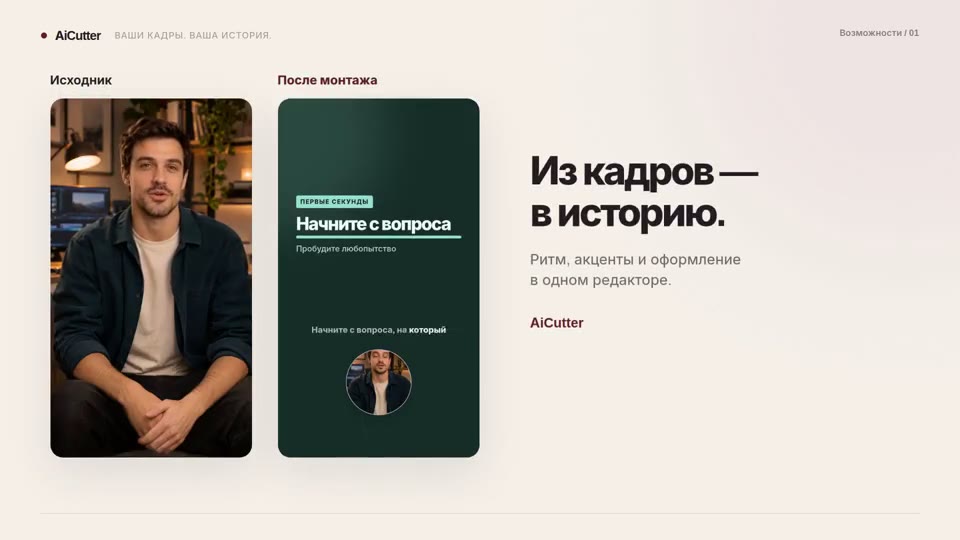
The same recording, at the same moment. Original footage on the left; an authored AICutter edit on the right.
This example was edited by the author. The presenter and voice were created with external services. It demonstrates styling, not automatic scene selection.
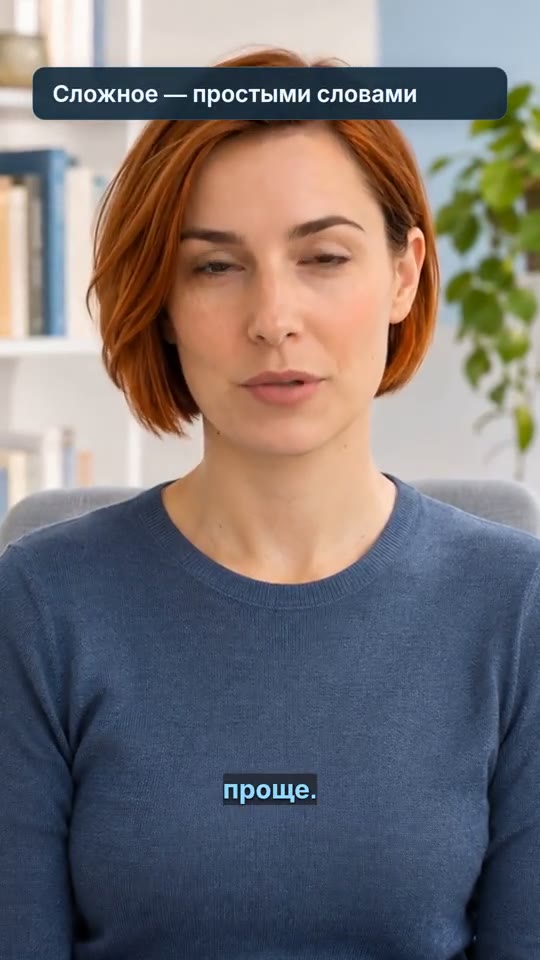
Two talking-head videos and an editor walkthrough.
Enable sound or seek through the video in the player.
Captions follow the speech. Graphic cards highlight key points. Framing changes as the story unfolds.
Three steps, warm color, calm rhythm. The list appears at the right moment.
Explore the editor, from scene editing and voiceover to the finished video.
These examples were edited by the author. Cards, captions and final exports were made in AICutter. The presenters and voices were created with external AI services. The walkthrough animation was made separately in Remotion. These are styling demonstrations, not tests of automatic AI scene selection.
Pick an angle: an explanation, a mistake, a process or a case study. Write an opening, a main section and an ending. Save your script for filming and pass the brief to the editor.
Open the script workshop ↗Upload → brief → review.
Everything happens in your browser.
Upload 1–20 videos, up to 15 minutes in total. Arrange your files; interrupted uploads can be resumed.
For example: “Keep the explanation of three mistakes; remove the introduction.” Choose a target length, aspect ratio, visual style and audio settings.
Review your edit, correct the text and adjust clip boundaries. Download an MP4 up to 1080p, with an optional separate SRT file.
Choose an effect. See it in your video instantly.
Text, music and captions remain at hand.
Correct words directly in the transcript or remove unwanted passages. Open the manual editor to work with tracks.
Try caption styles, graphic cards and transitions in the inline library. Adjust text color and size. Undo any choice.
Keep the original speech or mute it. The manual editor supports text-to-speech voiceover, dialogue and music tracks.
Download an MP4 up to 1080p. Portrait, landscape or square.
Packs of 5, 20 or 60 AI editing runs.
Manual edits and repeat exports do not use AI credits.
Processing time depends on the length of your footage, the editing task and server load. Follow progress in your project, or close the tab and come back later.
AI selects footage based on your brief and assembles a first edit. In manual mode, you control scenes, text and audio yourself. You can also use the manual editor to refine an AI edit.
No. You can build a visual story from processes, actions and details. Speech recognition is available for videos with spoken content.
Upload 1–20 files, up to 15 minutes in total. Interrupted uploads can be resumed.
Yes. Change text, scene timing and order, framing, music and visual style. Your original footage stays in the project.
MP4 Up to 1080p: vertical 9:16, square 1:1 or horizontal 16:9. Subtitles can also be downloaded in SRT.
No. Your files stay in your private project. AI processing sends a transcript and reduced-size frames to an external model according to the service settings.
 AiCutter
Opening AICutter
Your footage. Your rhythm. Your story.